 ExploreZone
Look up listings and business accounts
Find any listing or business, suspend a listing or an account, and reinstate it.
Listings #
Open Listings and search by name. Sample places, used for testing, are clearly marked. Open a listing to see its details, status and history.
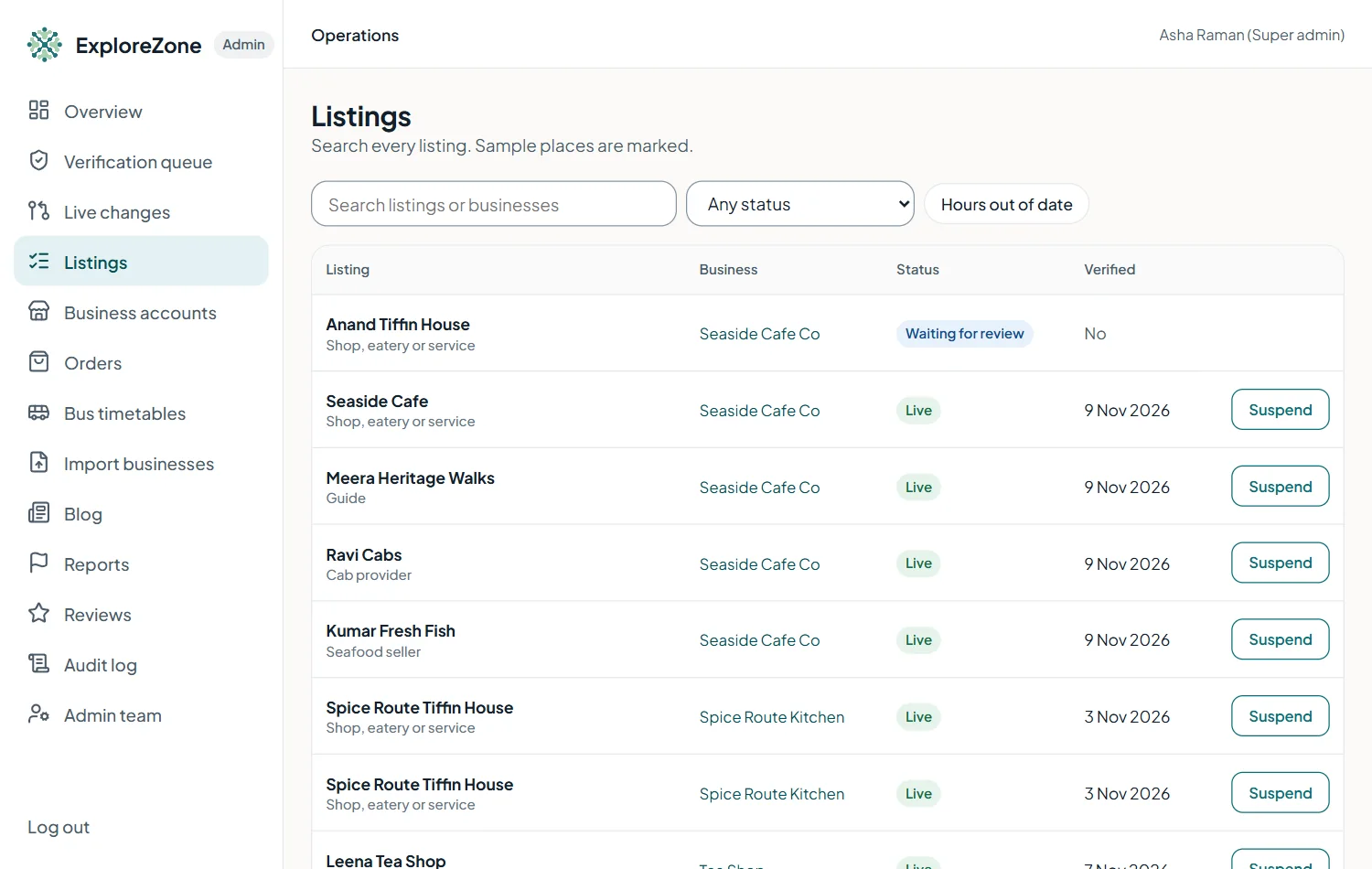
Suspend (admins) hides a listing from customers at once. Always write a reason. Use it for serious reports, safety concerns or a business that asks to close. Reinstate brings it back.
Business accounts #
Open Business accounts to see each owner account, the businesses under it, its team members and its status.
Suspend account blocks the owner and their staff from using the portal and hides their listings. Reactivate account reverses it. Both need a reason and are written to the audit log.
Helping a business who writes in #
- Find their listing or account.
- Check the status and the note from the last review.
- Explain the next step in plain words. Common cases: a listing waiting for review, changes requested, ordering not yet approved, a forgotten team login.
Last updated 2026-11-15. Something unclear or out of date? Write to hrdoisoftwares@gmail.com or call 6383281461.