 ExploreZone
For businesses
Add your team and choose what they can do
Invite staff with their own login and control what staff can see and change.
Owner and staff #
| Owner | Staff | |
|---|---|---|
| Edit listings, hours, photos and menu | Yes | Yes |
| Handle orders, mark paid, seafood catch | Yes | Yes |
| Answer reviews, enquiries and requests | Yes | Yes |
| Submit a listing for review | Yes | No |
| Delivery and ordering settings | Yes | No |
| Add or remove team members | Yes | No |
Invite a staff member #
- Open Team.
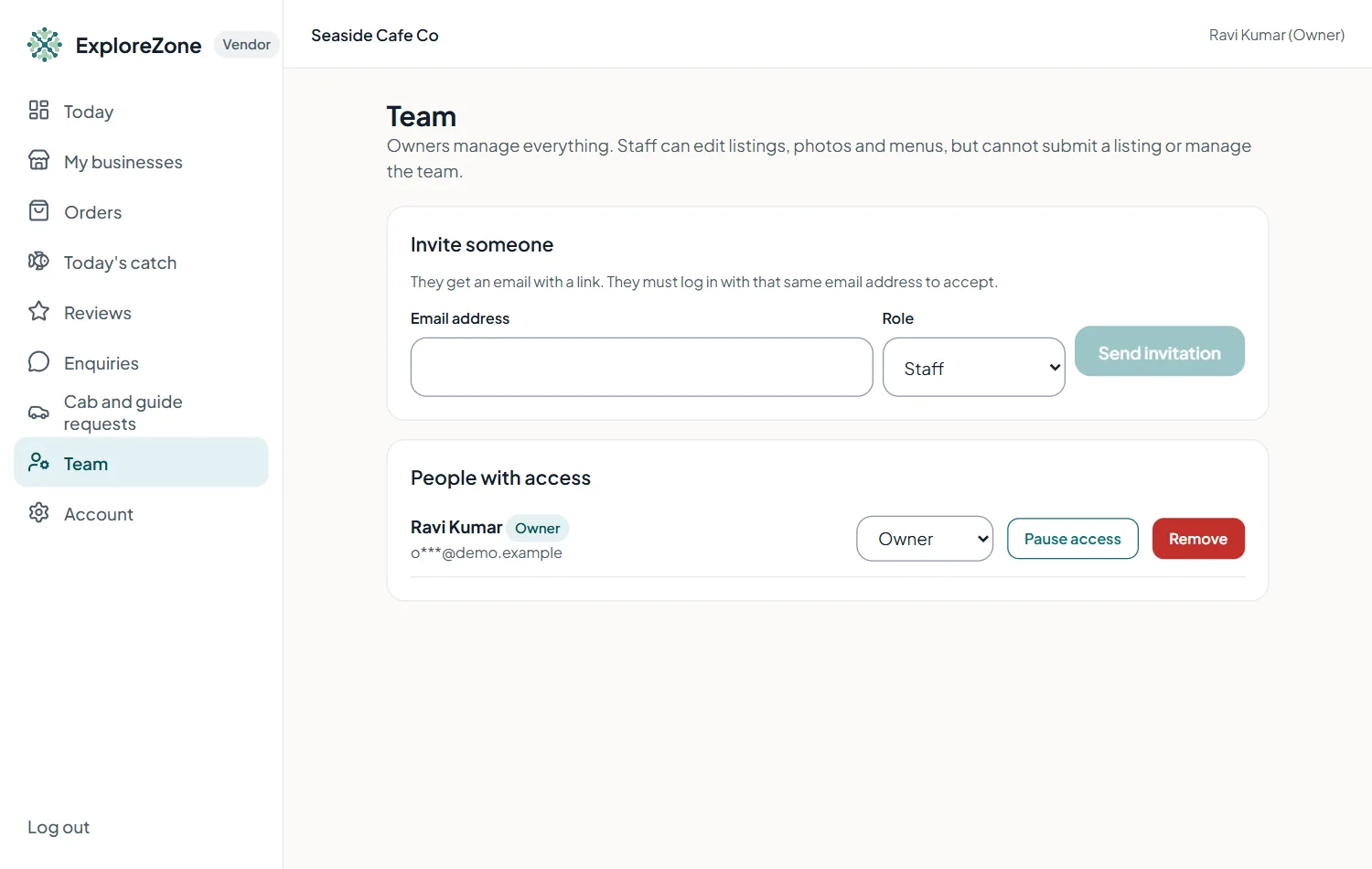
- Type their email address and press Send invitation.
- They open the invitation email and log in with that same address. They then see your business in their portal.
Remove someone #
Press Remove next to their name. They lose access immediately.
Last updated 2026-11-15. Something unclear or out of date? Write to hrdoisoftwares@gmail.com or call 6383281461.