 ExploreZone
Using the app
Request a cab or a local guide
Send a request to a verified driver or guide. They accept or decline, and you agree the price with them.
How it works #
ExploreZone connects you with a driver or a guide. ExploreZone does not send drivers, set fares, track the trip or take payment. The driver or guide decides whether to accept, you agree the price with them, and you pay them directly.
Send a request #
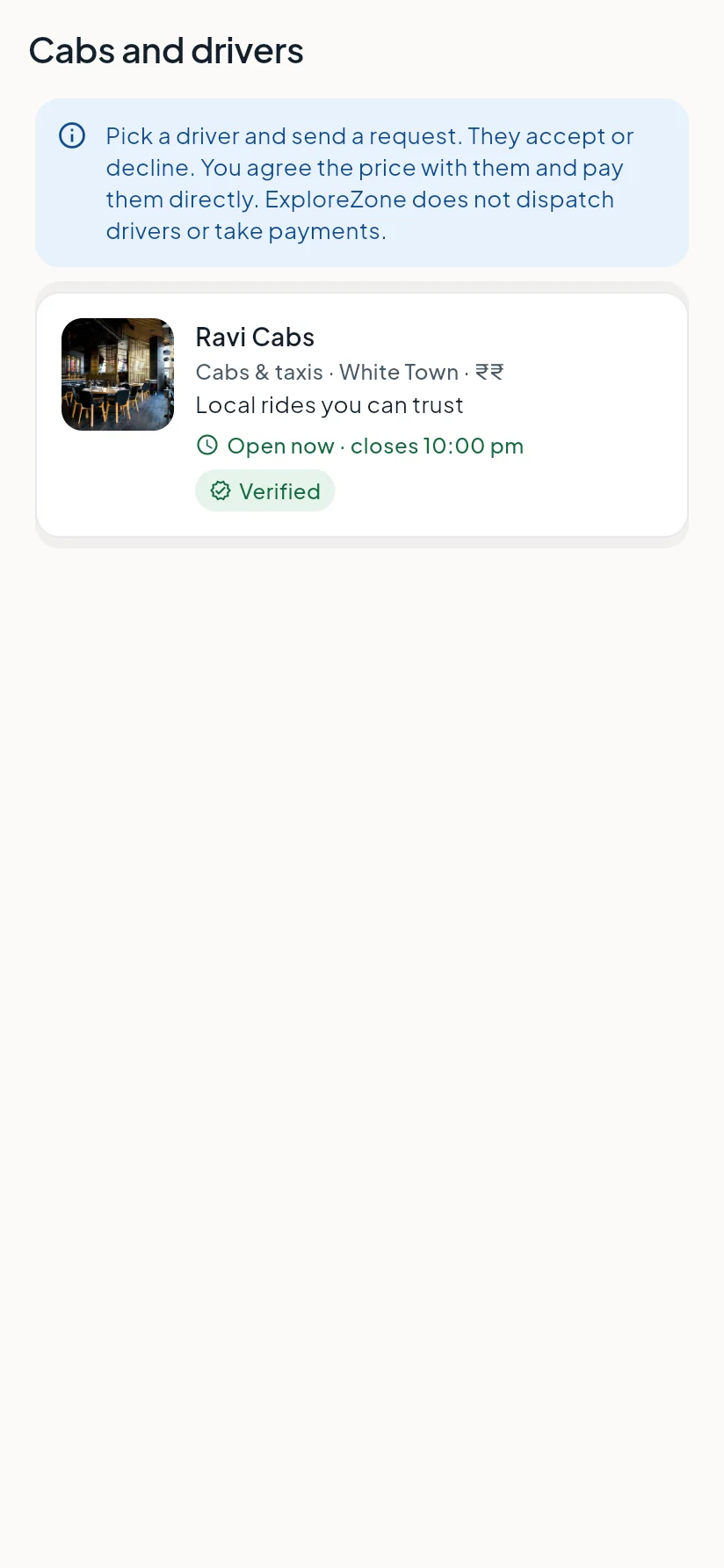
- Go to Services and tap Cabs or Guides & experiences.
- Choose a driver or guide from the list and open their page.
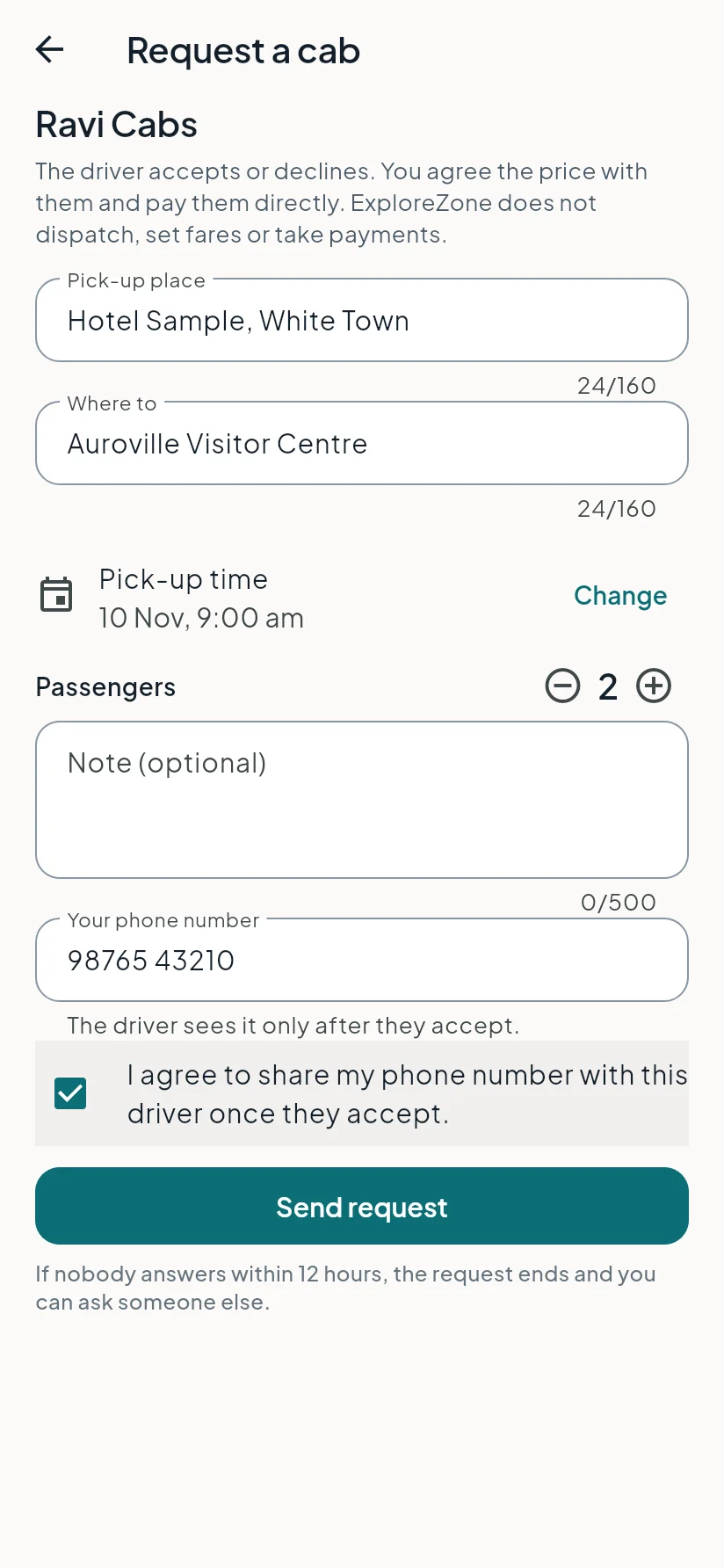
- Tap Request a cab (or Request a guide) near the bottom of their page.
- For a cab, enter the pick-up place and where to. For a guide, say what you would like to see.
- Check the date and time. It must be at least 1 hour from now.
- Set the number of passengers or people in your group.
- Enter your phone number and tick the box that agrees to share it once the driver or guide accepts.
- Tap Send request.
What happens next #
The driver or guide has 12 hours to answer (or until the time you asked for, if that is sooner).
- Accepted: you see their note (often the price or when they will call) and a Call button with their number. Call to confirm the details.
- Declined: you can send the request to someone else.
- Not answered: the request ended. Try another driver or guide.
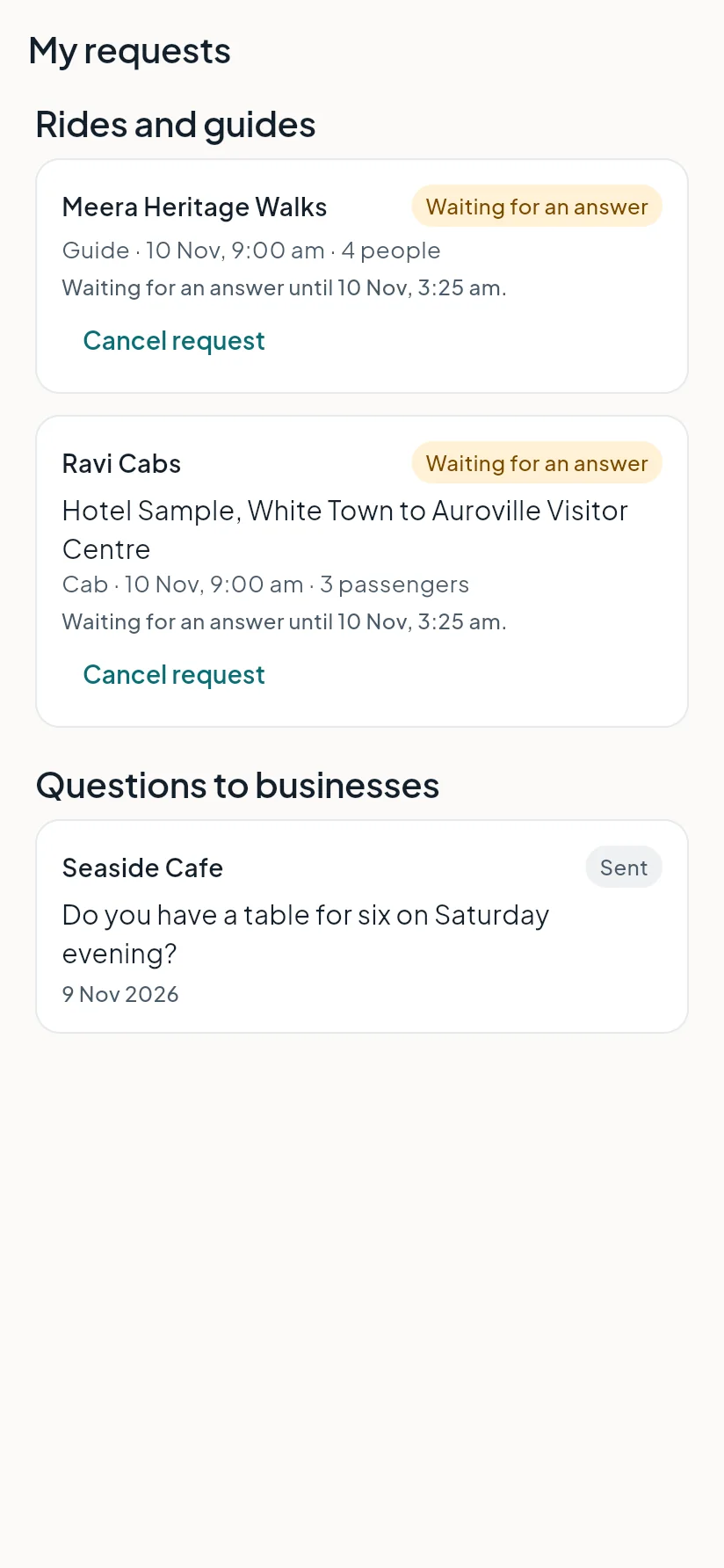
Find all of this under Services, My requests.
Good to know #
- The driver or guide sees your phone number only after they accept.
- You can cancel a waiting or accepted request from My requests.
- You can send up to 5 requests a day, and one waiting request to the same driver or guide at a time.
Last updated 2026-11-15. Something unclear or out of date? Write to hrdoisoftwares@gmail.com or call 6383281461.