 ExploreZone
Send your listing for review
What happens when you submit, how long it takes and what the statuses mean.
Submit #
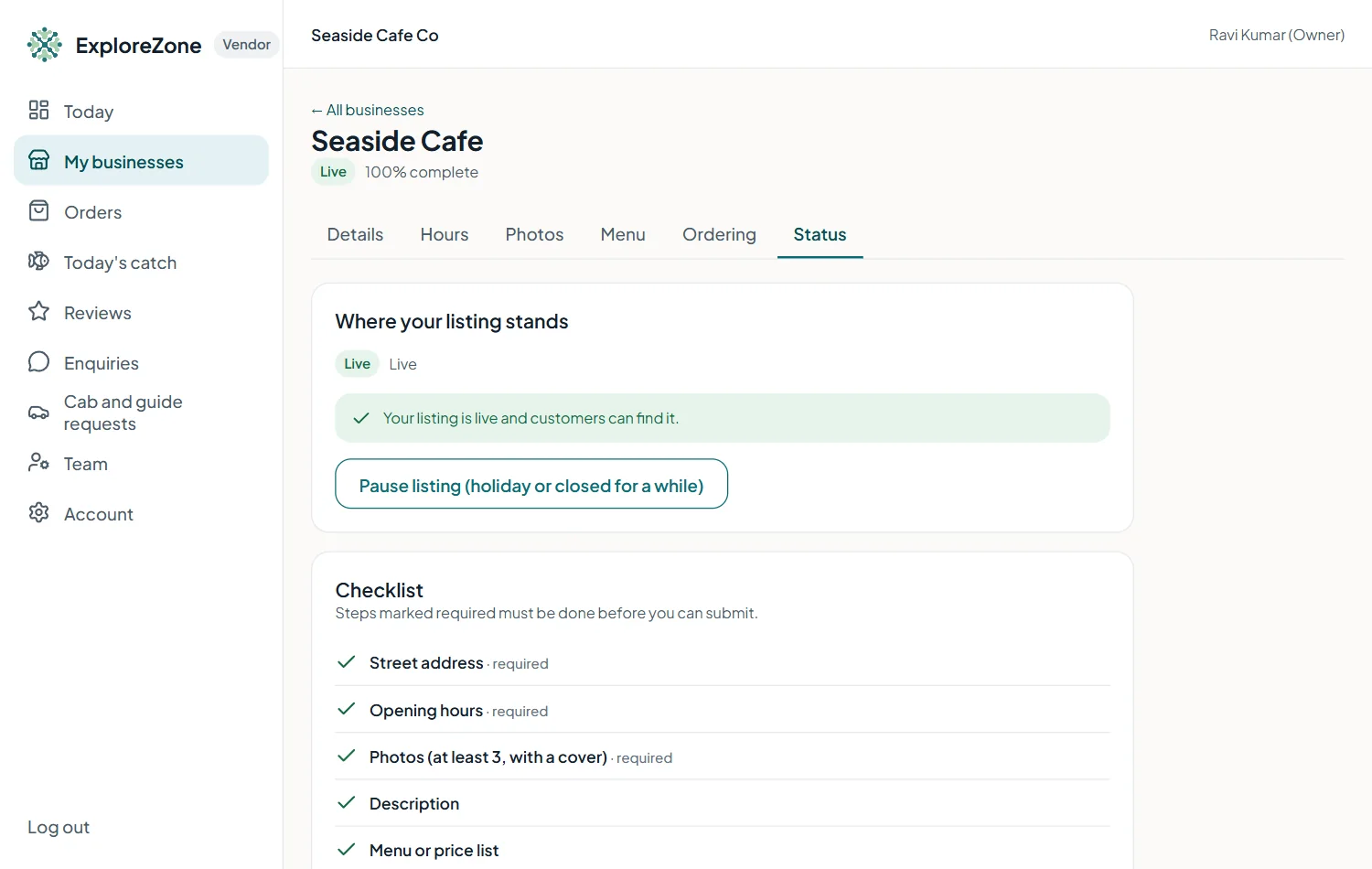
When the checklist is complete, open the Status tab and press Submit for review. From now until our team decides, the listing is locked, so you cannot change it.
What our team checks #
A field verifier looks at your name, category, address, map position, photos and details. They may check with you by phone. For a driver or guide, we ask to see the permit or registration. For food and seafood, ordering is approved separately and needs your food licence.
The statuses #
| Status | What it means |
|---|---|
| Draft | You are still working on it. Customers cannot see it. |
| Waiting for review | Submitted. Our team is checking. |
| Changes requested | Something needs fixing. The note says what. Fix it and submit again. |
| Live | Approved. Customers can find your business. |
| Not approved | We could not approve it. The note explains why. |
| Suspended | Hidden by our team, for example after a serious report. Contact us. |
| Paused | You hid it yourself. Press Resume to show it again. |
Changing a live listing #
Most changes (description, hours, photos, menu, contact details) go live at once. A new name, category or map position is checked first. Customers keep seeing the old details until we approve the change.
Pause your listing #
If you close for a while, open Status and press Pause. Press Resume when you reopen.
Last updated 2026-11-15. Something unclear or out of date? Write to hrdoisoftwares@gmail.com or call 6383281461.