 ExploreZone
Using the app
Buy today's catch from seafood sellers
See fresh fish with photos and prices per kilo, reserve by weight, and collect it at the pickup time.
What it is #
Seafood sellers post what came in today (or tomorrow) with a photo, a price per kilo and a pickup window. You choose the weight you want. Seafood is pickup only: the seller does not deliver.
Reserve fish #
- Open the Order tab and choose Seafood ("Today's catch").
- Pick a seller. Each catch shows its photo, the price per kilo, how much is left, when it was caught and how it is stored. Tap the photo to see it large.
- Tap Add on the catch you want and choose the weight. You can order from 250 g up to the limit the seller set.
- Review the order, check your phone number and confirm.
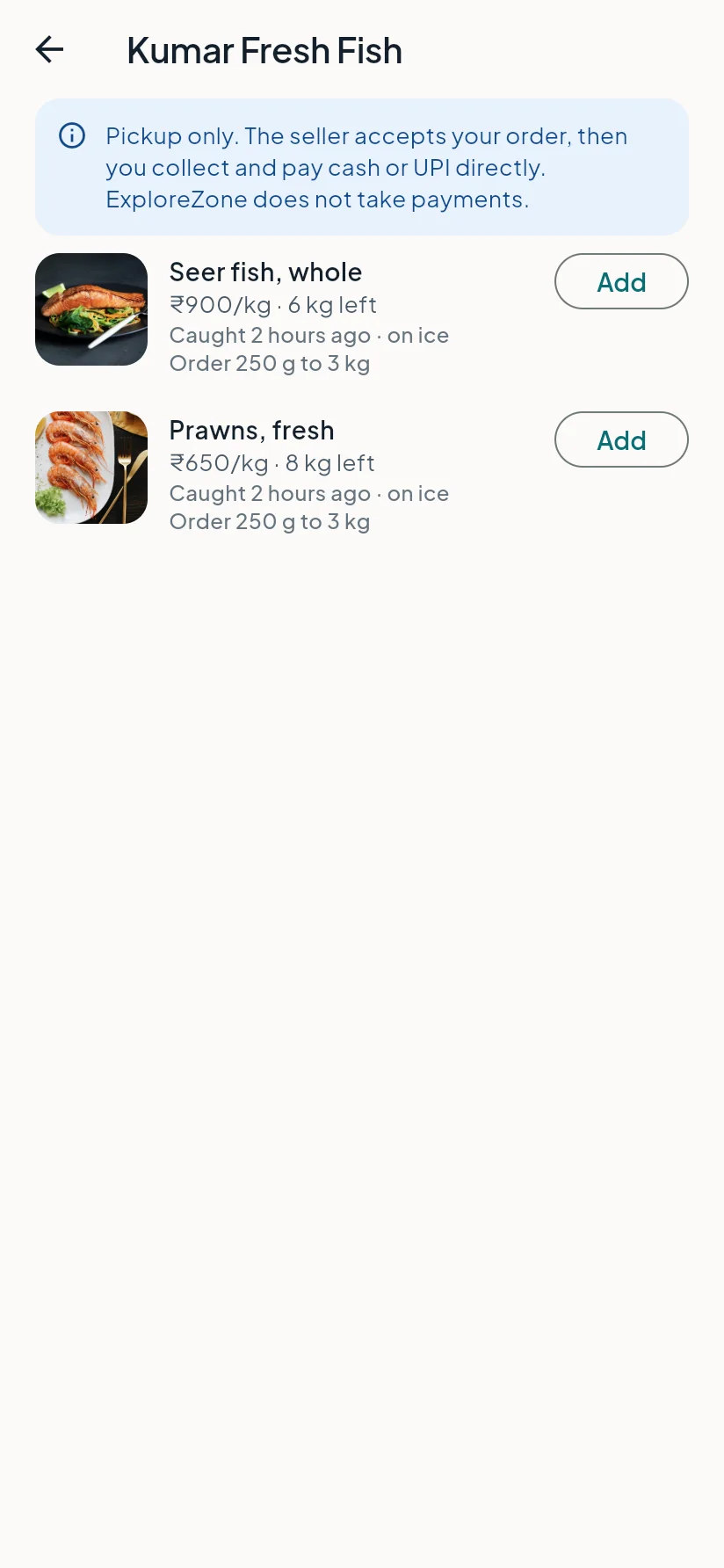
If someone else takes the fish first, the app tells you how much is left.
Collect it #
The seller accepts your order. Come during the pickup window and show your 6-digit code. You pay the seller directly in cash or UPI.
Last updated 2026-11-15. Something unclear or out of date? Write to hrdoisoftwares@gmail.com or call 6383281461.