 ExploreZone
Using the app
Install the app and sign in
Get ExploreZone on your Android phone and log in with your email address.
What you need #
- An Android phone.
- An email address you can open. ExploreZone has no passwords for customers: it sends a 6-digit code to your email each time you log in.
You can look around without logging in. You only need an account to order, write a review, save a place, ask a business a question or send a cab or guide request.
Install the app #
The ExploreZone Android app is currently being tested, so there is no public download link yet. To try the test version, write to us using the Contact section on the ExploreZone website.
- Install the app file or link we send you.
- Open the app. You will see the ExploreZone loading screen for a moment, then the Discover tab.
Log in #
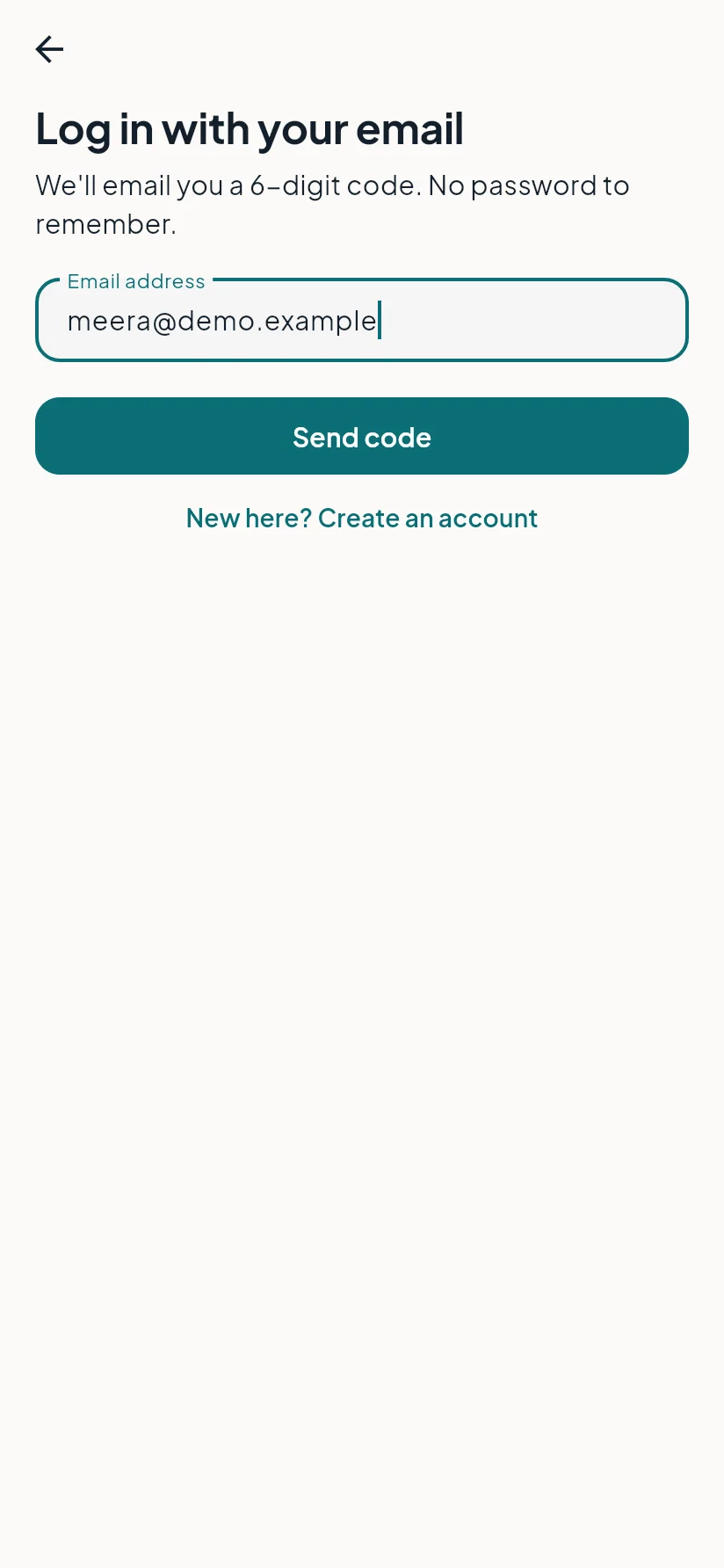
- Tap Profile, then Log in (or tap any button that asks you to log in).
- Type your email address and tap Send code.
- Open your email, find the message from ExploreZone and copy the 6-digit code.
- Type the code in the app. The code works for 5 minutes.
- If this is your first time, the app asks for your name. Type it and continue.
Log out #
Open Profile and tap Log out. Your orders and saved places stay on your account.
Last updated 2026-11-15. Something unclear or out of date? Write to hrdoisoftwares@gmail.com or call 6383281461.