 ExploreZone
For the team
Enter and publish bus timetables
Add stops and routes from a source you can name, mark them as checked and publish them.
Principles #
- Enter timetables only from a source you can name: the official timetable, a survey at the stop or depot, or information the operator gave you. Never copy or guess.
- Mark a timetable checked with the date. Old timetables show a warning in the app.
- Show scheduled times only. The app never claims live positions.
Stops #
In Bus timetables, open Stops and press Add a stop. Give it the name people use and its location.
Routes and departures #
- Open Routes, press Add a route, give it a number and name.
- Add its stops in order.
- Press Add a departure and enter the times for each day pattern (for example Mon to Sat).
- Choose the source and press Mark as checked today.
- Press Publish. Only published routes appear in the app.
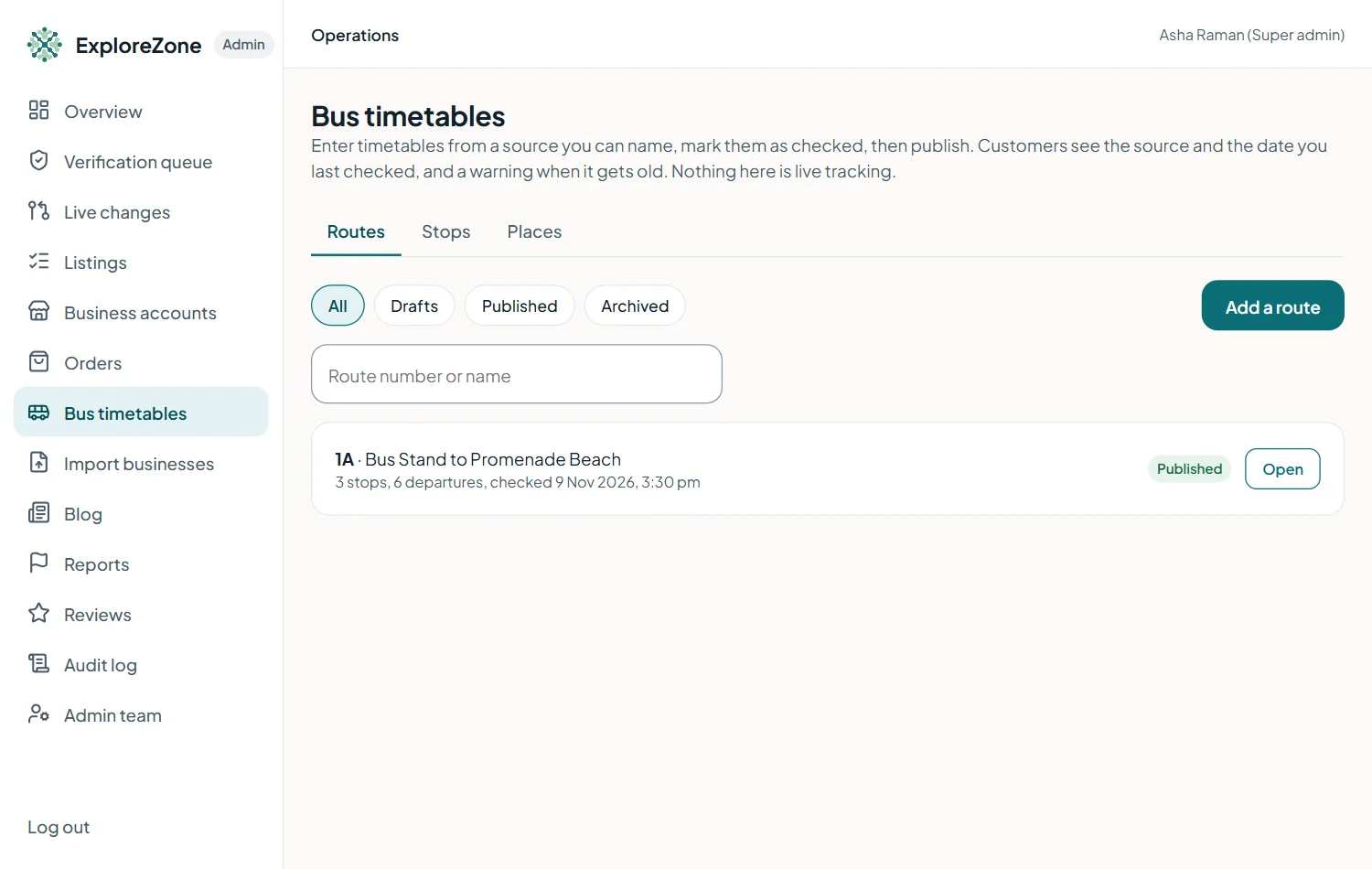
Use Archive to retire a route that no longer runs.
Linking beaches and places to stops #
Open the Places tab. Search for a place (for example a beach), press Choose, Add a stop (up to 5) and write a short walking note such as "2 minutes walk to the sea". Press Save bus stops. The place page then shows Getting there by bus.
Last updated 2026-11-15. Something unclear or out of date? Write to hrdoisoftwares@gmail.com or call 6383281461.